
Category: Software Architecture & SLA Automation
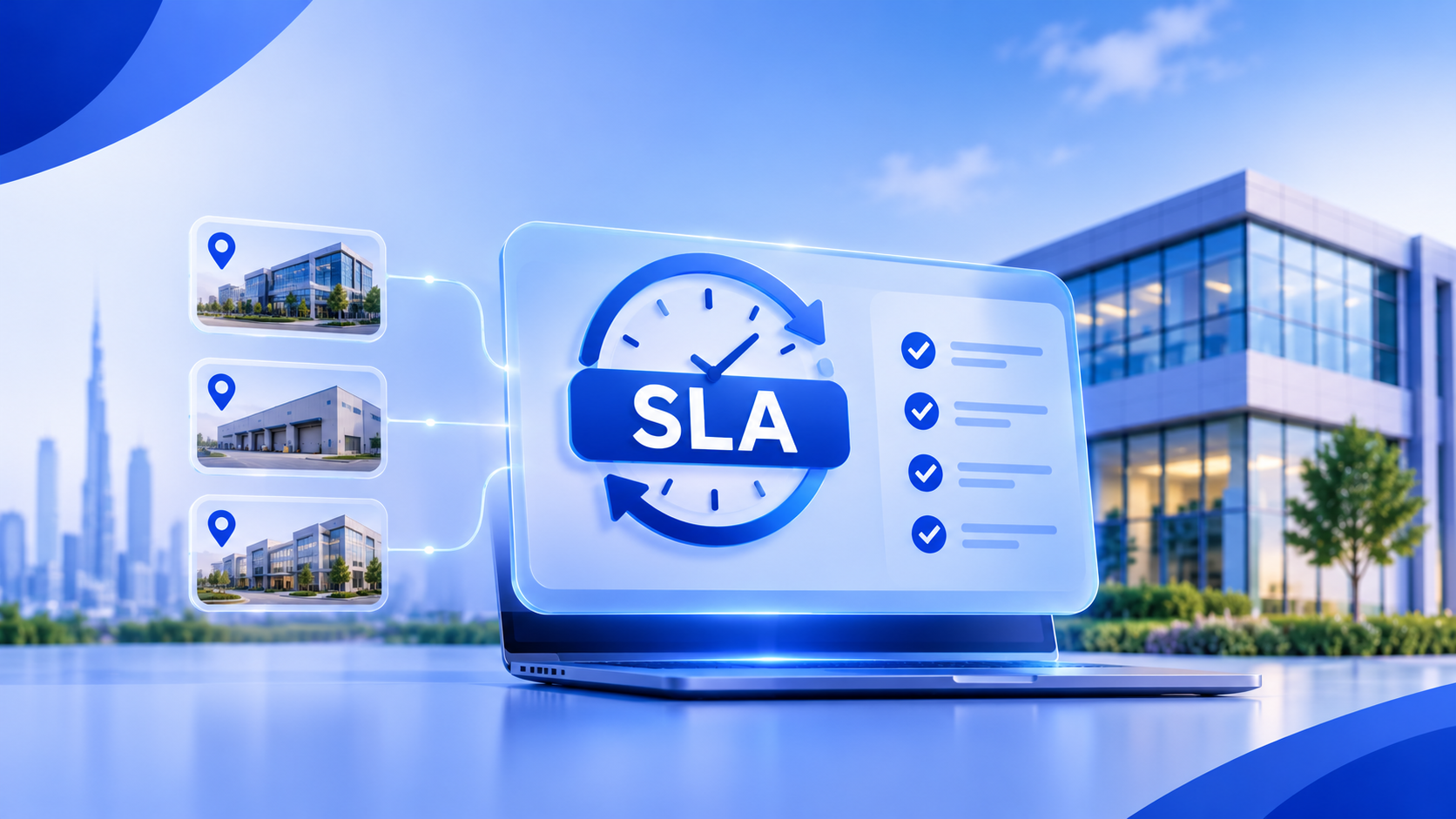
A service-level agreement (SLA) is more than a response-time number. In facility operations, it defines when a clock starts, which hours count, when work can pause, who gets notified, and how performance is proven.
A facilities provider may manage cleaning, maintenance, security, and technical support across several sites. A critical HVAC fault may need a faster response than routine maintenance, depending on the contract and site.
Hard-coding these differences is difficult to maintain. A configurable SLA rules engine separates contractual policy from workflow code. It is a business workflow automation challenge: rules must adapt to contracts, sites, and service types without being rebuilt each time. Such logic can sit within broader workflow automation solutions.
1. Model the SLA as policy, not a timer
Separate the operational event from the policy applied to it. An event could be a maintenance request, inspection failure, or service call. The policy defines the metrics and conditions that govern it.
One contract might require acknowledgement within 15 business minutes, attendance within 2 business hours, and resolution within 8 business hours. These are separate clocks. Acknowledgement may be complete while attendance and resolution continue, so avoid representing the agreement with one due_at field.
A policy should define the contract, service type, site, priority, metric, target, calendar, pause reasons, warning thresholds, and escalation actions. Version policies: new events use the active version, while existing events retain their assigned version unless recalculation is contractually required.
Policy selection must be deterministic. Define precedence: exact site and service type, then site group, then contract-wide defaults. If two policies match at the same precedence, raise a configuration exception rather than silently choosing one.
2. Capture event timestamps correctly
For each event, preserve three timestamps:
occurred_at: when the action actually happened, where known.recorded_at: when the platform received it.effective_at: the validated timestamp used by the SLA calculation.
Store timestamps in UTC and retain the site's IANA time-zone identifier, such as Asia/Dubai. A local time or fixed UTC offset alone can become ambiguous when daylight-saving rules apply in other operating regions. The IANA Time Zone Database provides named regional rules that software can use to calculate local time correctly.
A technician may restore service at 10:05 while a mobile app uploads the update at 10:12. Preserve both times and define whether late events are accepted, flagged, or measured from receipt.
Use immutable event IDs and idempotency keys so a mobile retry cannot start or stop a clock twice. Define how to reconcile out-of-order events; a delayed pause must not be blindly applied after a resume.
3. Calculate targets using contract-specific calendars
A target of four hours may mean elapsed hours or working hours. Each metric must explicitly define which interpretation applies.
A site or contract calendar should define the time zone, working intervals, split shifts, weekends, holidays, closures, and effective dates. Version calendars so historical calculations remain reproducible.
Add eligible working time across calendar intervals. Simply adding four hours to the event timestamp fails around split shifts, holidays, and daylight-saving changes.
Consider a site operating 08:00–18:00 on weekdays. A 12-business-hour resolution target starts at 16:00 on Friday. Two working hours are consumed before closing; the remaining ten are counted on Monday, so the deadline is 18:00 on Monday. The deadline comes from traversing calendar intervals, not assuming the clock runs continuously.
Keep contract targets separate from calendars. Two clients may have the same eight-hour resolution target but different coverage schedules. Microsoft's enhanced SLA configuration guidance illustrates business-hour schedules in target calculations.
4. Make pause and resume rules explicit
A status such as On Hold should not automatically pause every SLA. A contract may pause resolution while waiting for client access but still require progress updates.
Define pause rules by metric and reason. Each rule specifies the trigger, affected clocks, evidence or approval requirements, resume event, and maximum pause duration, where applicable.
Reasons may include waiting for client access, an approved work window, third-party parts, or a site closure outside the provider's control. Internal staffing shortages should not qualify unless the contract permits them.
Record each pause as a time-bounded segment with reason, actor, timestamp, and supporting evidence. On resume, close it and calculate remaining time. Preserve consumed time; a pause stops the clock, not resets it. Flag exceeded pause limits. Microsoft's SLA configuration documentation describes pause conditions and warning or failure durations.
5. Drive warnings and escalations from thresholds
Escalation should be calculated against the relevant metric, not triggered by an arbitrary delay after a status change.
A policy might notify a site supervisor at 75% of the target, an operations manager at 90%, and a contract owner after breach. Thresholds can use consumed working time, remaining time, or an absolute deadline; choose one model and apply it consistently.
Use a background scheduler or queue. When an event starts, resumes, changes priority, or receives a new policy, schedule its next evaluation. The job must re-read event state and recompute the metric before notifying anyone, preventing stale escalations for resolved or paused work.
Use an idempotency key such as event_id + metric + threshold + policy_version to prevent duplicate notifications. An outbox pattern keeps the committed state change consistent with its queued notification.
6. Keep an audit trail and handle exceptions
A live timer is a calculated view of event history, not the only evidence of performance. Maintain an append-only audit record for policy assignment, priority changes, status transitions, pauses, resumes, overrides, recalculations, warnings, escalations, and completion.
Each entry should identify the actor, timestamps, reason, correlation ID, and policy version. Retain the target, calendar version, consumed time, paused intervals, and deadline so results remain explainable after calendar changes.
Define behavior for missing policies, absent calendars, late events, priority changes, unauthorized pauses, and unexpected closures. Never substitute a default silently. Flag the event, preserve history, alert an authorized owner, and define whether the clock continues or uses an approved fallback. Overrides require permission and a reason; they must not erase the original calculation.
7. Test complete timelines
Test Friday evening requests, overnight work, holidays, split shifts, time-zone changes, pauses, reopened incidents, and duplicate mobile updates.
For each scenario, assert the selected policy, consumed and remaining time, next threshold, deadline, and audit entries. Add regression tests so one client's policy change cannot alter another's results.
A practical architecture can remain modular: an event store, versioned policy and calendar services, a calculation engine, scheduler, escalation dispatcher, and audit/reporting layer. Validated SLA metrics can feed AI-powered dashboards and decision intelligence for operational visibility; deadline calculations should remain deterministic and auditable.
Conclusion
A dependable SLA rules engine turns contractual commitments into repeatable logic: accurate event data, deterministic policy selection, versioned calendars, metric-specific pauses, threshold-driven escalation, and an audit trail.
Multi-site operations rarely share identical contract requirements. Custom software development for operational workflows lets an application reflect each organization's service model instead of forcing every contract into one rigid timer.
Oglas AI is a UAE-based custom software and practical AI company. Its workflow automation services connect operational processes, business rules, integrations, and reporting. Businesses exploring custom software development in Dubai and the UAE can build around existing workflows rather than adapt operations to rigid software.
Frequently Asked Questions
1. What is an SLA rules engine?
An SLA rules engine is a configurable software component that applies service-level policies to operational events. It selects contract-specific targets, calculates deadlines using business calendars, handles permitted pauses, triggers escalations, and records decisions for audit.
2. How should an SLA engine handle multiple facility sites?
Each event should identify its site and resolve to the correct contract, time zone, service category, priority, and calendar. Policy precedence should be deterministic, with site-level exceptions supported without duplicating every policy.
3. Should an SLA timer pause when a request is marked On Hold?
Not automatically. Pause behavior depends on the metric, contract, and hold reason. Waiting for client access may pause resolution time while a progress-update target continues. Every pause and resume should be timestamped and auditable.
4. How are SLA deadlines calculated using business hours?
The engine adds the target duration across working intervals in the assigned calendar, accounting for time zone, shifts, weekends, holidays, and exceptional closures. It should use versioned rules rather than adding elapsed hours to the original timestamp.
5. Can SLA automation integrate with existing facility management software?
Yes. An SLA engine can connect to maintenance requests, work orders, asset systems, technician apps, notifications, and reporting tools through APIs or event-based integrations. The approach depends on existing systems and workflow requirements.
About the author
- Oglas AI is a Dubai based custom software and practical AI company building solutions that solve real business challenges. We develop ERP systems, workflow automation, AI applications, computer vision solutions, and scalable software for modern businesses. On this blog, we share practical insights on software engineering, AI, system design, automation, and product development focusing on real world implementation over hype. Website: https://www.oglas-ai.com/
Comments
Join the discussionNo comments yet. Be the first to comment.